



Compare Top Crypto Wallets
1. Phantom
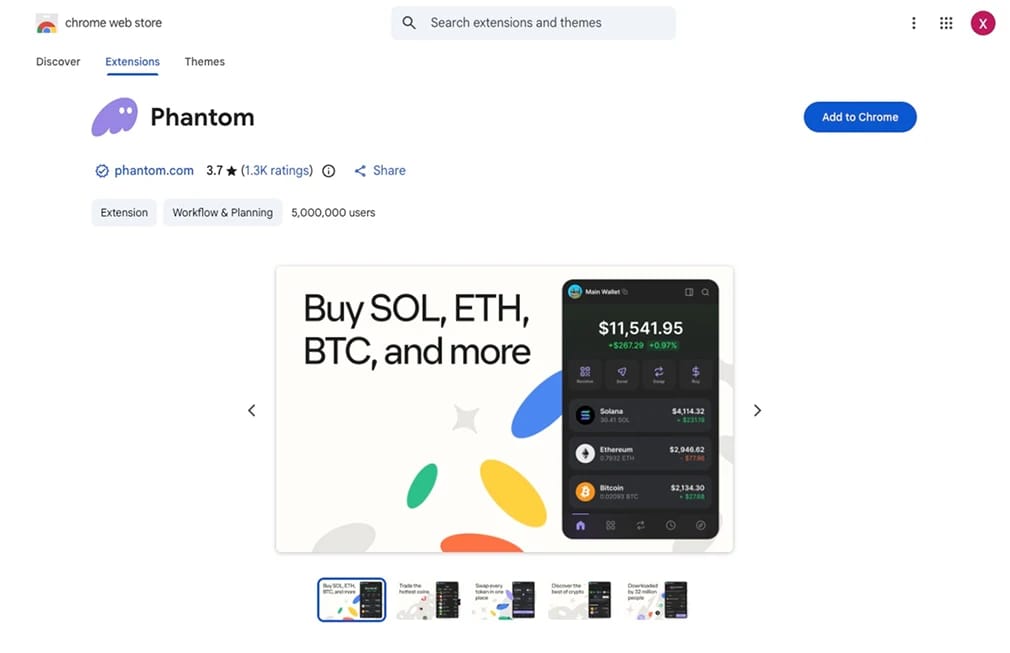
Phantom takes the top spot because it grew from a Solana-only app into a genuine multichain wallet while keeping the interface simple. It now supports Solana, Ethereum, Base, Polygon, Sui, Monad, Bitcoin, and HyperEVM, and its help documentation lets users toggle each network on or off. For anyone holding assets across multiple ecosystems, that coverage eliminates the need for a separate app per chain.
What we like most is how little friction sits between deposit and action. Built-in Jupiter routing handles swaps, scam detection flags suspicious tokens before you sign, and the wallet pairs with a Ledger for anyone who wants a hardware backstop. Phantom also folded in perpetual futures via a Hyperliquid integration and secured a CFTC no-action letter to offer that access through its non-custodial interface, which is rare for a consumer wallet.
The compromises are worth knowing first. All EVM chains share a single private key, while Solana, Sui, and Bitcoin use separate keys; the codebase is not fully open-source, and its Bitcoin tooling stays narrower than a dedicated BTC wallet. As a hot wallet, it suits active use rather than storing a life-changing balance, and Solana-first traders can compare it against our best Solana wallets shortlist. Our full Phantom review covers setup in detail.
Pros
- Broadest native chain coverage of any consumer wallet, with a clean interface.
- Built-in swaps, staking, NFT management, and perps in one place.
- Scam detection and optional Ledger pairing add practical safety.
Cons
- Not fully open-source, which some security-focused users avoid.
- EVM chains share one key, unlike Solana, Sui, and Bitcoin.
- Swaps carry a roughly 0.85% service fee.
2. MetaMask
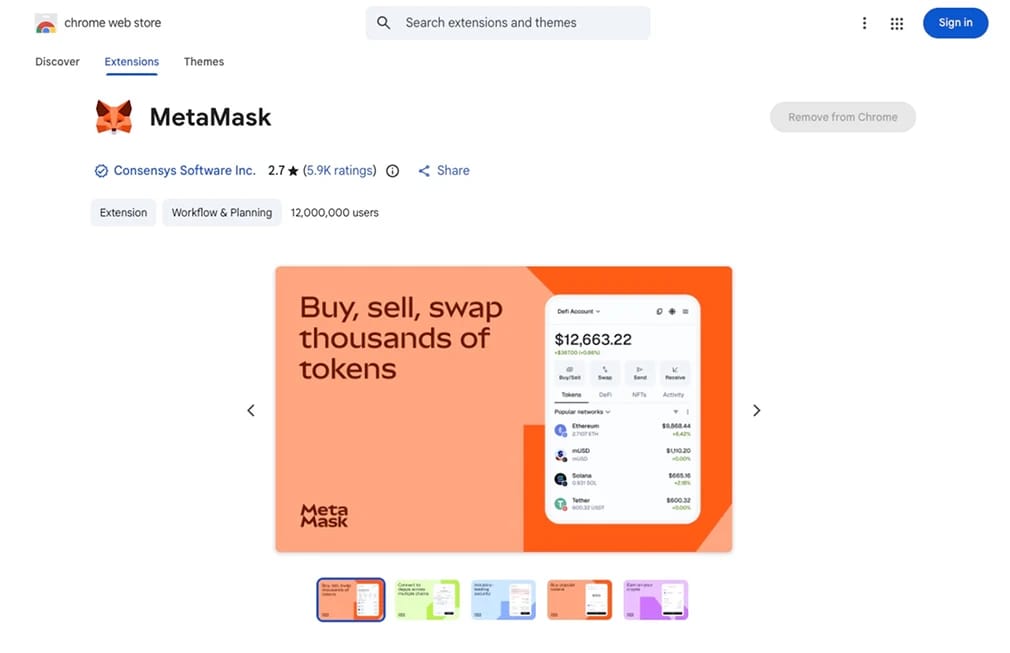
MetaMask remains the default gateway to on-chain apps because almost every EVM protocol integrates it first. Built by Consensys, it now reports around 30 million monthly active users and roughly 143 million downloads, and in late 2025, it added native Bitcoin, Solana, and TRON support alongside its 20+ EVM chains. If a dApp exists, it likely supports MetaMask before anything else.
The 2026 version behaves more like a financial hub than a plain wallet. It now includes in-wallet perpetuals through Hyperliquid, a Polymarket prediction integration, the mUSD stablecoin, a MetaMask Card that spends straight from your balance, and a Rewards program tied to an upcoming MASK token. We rank it second overall and first for EVM depth. Cardholders can compare alternatives on our best crypto debit cards page.
Two drawbacks keep it off the top slot. MetaMask is the single most-phished brand in crypto, and its built-in swaps carry a roughly 0.875% service fee you can often beat by routing elsewhere. Its newer Solana support also feels thinner than a Solana-native wallet. After testing unfamiliar dApps, we run our guide to revoke token permissions, and the MetaMask review breaks down the full fee stack.
Pros
- Unmatched dApp compatibility across Ethereum and EVM networks.
- Native Bitcoin, Solana, and TRON support now sit alongside EVM.
- Card, perps, predictions, and Rewards expand it into a full hub.
Cons
- Most-phished wallet brand, so signing discipline is essential.
- The in-wallet swap fee is higher than routing through an aggregator.
- Solana experience trails purpose-built Solana wallets.
3. Ledger
Ledger is our pick for cold storage because it keeps private keys inside a certified secure element and forces a physical confirmation on the device. The current lineup runs from the budget Nano S Plus through the Nano X, the newer touchscreen Nano Gen5, and the premium Flex and Stax, so buyers can match screen and connectivity to how often they sign. Ledger Live handles staking, swaps, and mobile management for 5,500+ assets.
For active holders, it balances security and usability. Bluetooth on the Nano X and touchscreen models enables wireless signing from a phone, and Clear Signing renders transaction details in a human-readable format so you can approve what you actually see. Pairing Ledger with MetaMask or Rabby gives you hardware protection with a familiar software front end, a setup we use for balances we would not keep in a hot wallet.
Ledger firmware is closed-source; the Ledger Recover subscription still divides the community, and a January 2026 breach at a third-party payment processor exposed customer data that later fueled fake postal-letter phishing, though device keys were never at risk. Hardware confirmation also slows rapid signing. Anyone weighing models can read our Ledger Nano S Plus vs Nano X and Ledger vs Trezor comparisons.
Pros
- A certified secure element keeps keys offline across a wide model range.
- Ledger Live supports staking, swaps, and 5,500+ assets.
- Clear Signing and hardware confirmation reduce blind-approval risk.
Cons
- Closed-source firmware limits independent verification.
- Third-party data breaches have fueled phishing against customers.
- Signing is slower than a hot wallet during volatile trading.
.webp)
4. Trezor
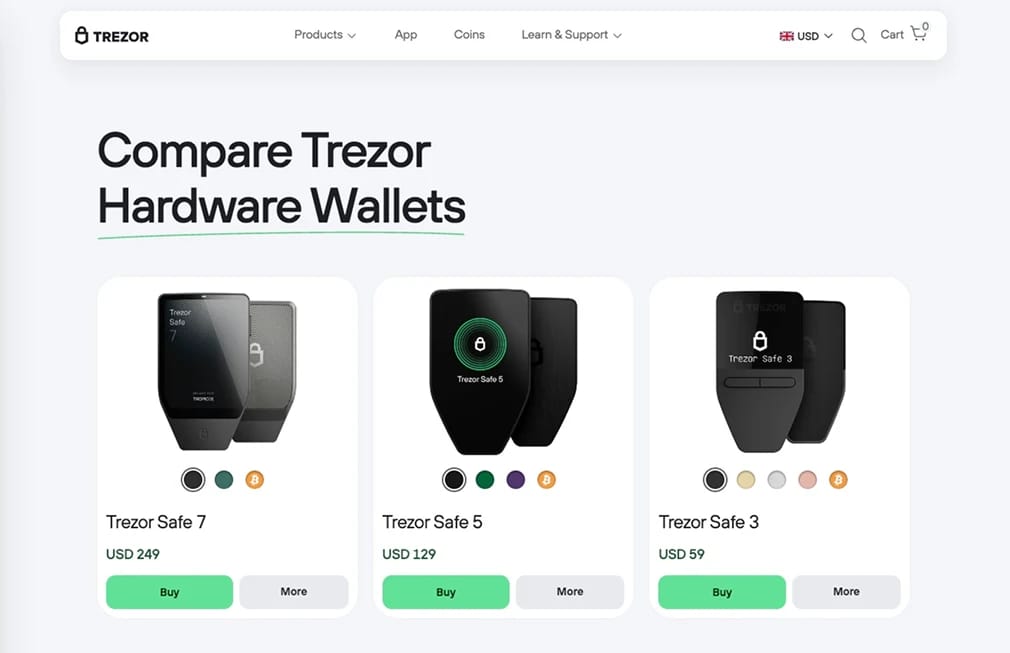
Trezor is the choice for anyone who wants to verify security rather than trust it. Its firmware is fully open-source, and the current Safe 3, Safe 5, and Safe 7 devices pair with Trezor Suite to manage balances, buy, swap, and stake while the signing step stays on the device. The original hardware wallet brand leans into a "don't trust, verify" culture that closed-source rivals cannot fully match.
The flagship Safe 7 pushes the category forward. It ships with a dual secure element that includes the auditable TROPIC01 chip, adds post-quantum firmware signing, and carries an IP67 dust and water rating alongside Bluetooth and wireless charging. Trezor Suite also leans into privacy with a built-in Tor toggle and Coinjoin support, and Shamir backup lets you split a recovery seed across multiple locations.
Trezor gives ground on breadth and mobile polish. Native asset coverage is narrower than Ledger; the desktop-first design means only the Safe 7 offers a smooth iOS experience over Bluetooth, and Solana and some chains rely on external wallet connections rather than native Suite support. It pairs cleanly with Rabby or MetaMask when you need wider dApp reach, and our Ledger vs Trezor guide weighs the two head-to-head.
Pros
- Fully open-source firmware with an auditable secure element on Safe 7.
- Post-quantum signing and IP67 durability lead the hardware field.
- Shamir backup, Tor, and Coinjoin support boost privacy.
Cons
- Narrower native asset coverage than Ledger.
- Smooth iOS use is limited to the pricier Safe 7.
- Some chains need an external wallet rather than native Suite support.
5. Trust Wallet
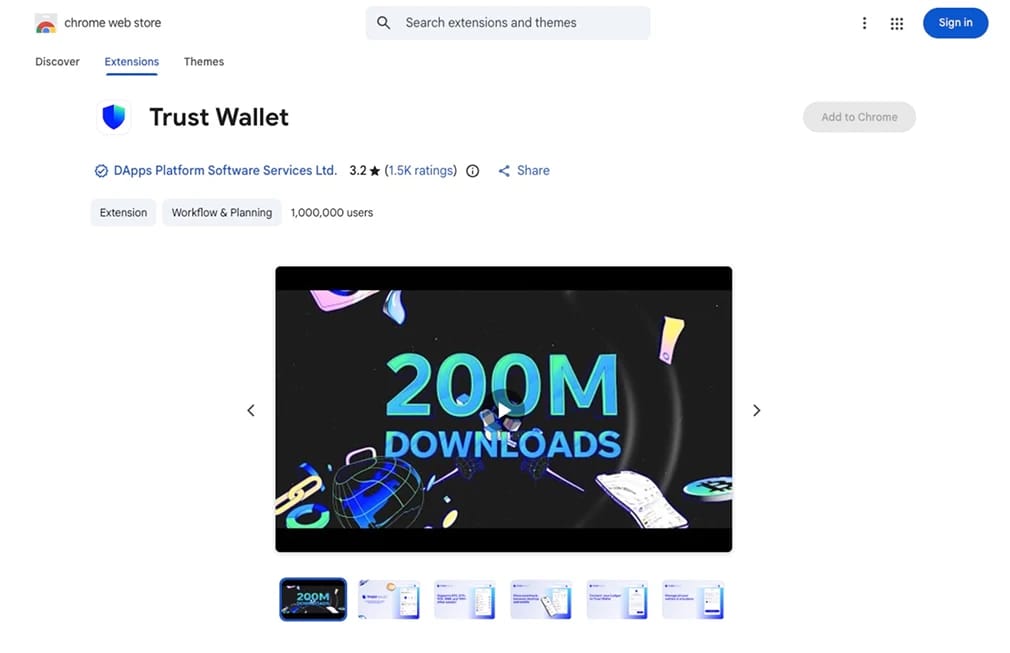
Trust Wallet is our top pick for a mobile wallet because it natively supports more than 100 blockchains in a single app, including Ethereum, Bitcoin, Solana, BNB Chain, TRON, and Cosmos. As Binance's official self-custody wallet, it has 220 million+ downloads and is the most installed non-custodial wallet globally, with an open-source, mobile-first design that makes it easy to manage a diverse portfolio on a phone.
Staking, buying, sending, and receiving cost nothing beyond network gas, and swap fees apply only to trades. The built-in Security Scanner warns about malicious addresses and contracts before you sign; FlexGas covers gas with TWT, USDT, or USDC instead of native tokens; and the DEX aggregator routes swaps for better pricing. Recent additions include automatic address-poisoning protection across 32 EVM chains and staking on 20+ assets.
The caveats sit mostly on the desktop side. A December 2025 exploit hit one browser-extension version, prompting an urgent update while mobile apps stayed unaffected, a reminder to keep the extension current. The dApp browser is mobile-only, and Ledger pairing works through the extension rather than the phone app. For pure desktop DeFi depth, MetaMask or Rabby still feels more complete.
Pros
- Native support for 100+ blockchains in one mobile app.
- Zero fees on staking, buying, sending, and receiving.
- Security Scanner and address-poisoning alerts catch common scams.
Cons
- A 2025 browser-extension exploit shows the desktop surface needs care.
- The dApp browser is mobile-only, limiting desktop workflows.
- Ledger pairing is restricted to the extension, not the mobile app.
6. Rabby
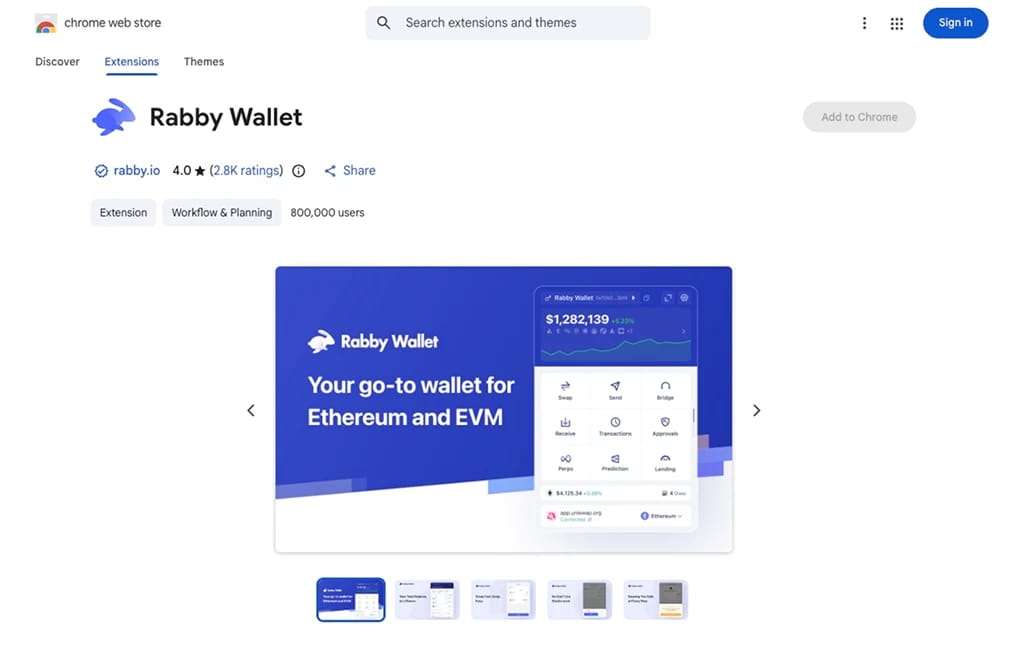
Rabby closes the list as the sharpest wallet for frequent signers. Built by the DeBank team and fully open-source, it supports 140+ EVM chains and detects the correct network automatically, so you never manually switch before connecting to an Ethereum or Layer 2 dApp. It positions itself as an execution wallet, where you interact with DeFi daily while keeping long-term holdings on a hardware device.
Its defining feature is pre-transaction simulation. Before you sign, Rabby shows exactly which tokens leave and enter your wallet, flags risky approvals using DeBank's contract database, and surfaces phishing warnings, addressing the most common way people lose funds. A built-in approval manager lets you review and revoke old permissions, and GasAccount covers fees in USDT or USDC. It also pairs with Ledger, Trezor, Keystone, and OneKey.
Rabby is deliberately narrow. It is EVM-only, so it has no native Solana, Bitcoin, or Cosmos tooling, its iOS app has trailed the Android release, and its safety prompts assume a user who already understands approvals and simulations. Swaps carry a 0.25% fee, lower than most rivals. For a first-time holder, it can feel technical, but for anyone burned by a malicious approval, its guardrails are the reason to switch.
Pros
- Transaction simulation shows outcomes before every signature.
- Automatic chain switching removes manual network errors.
- Open-source code with a built-in approval revoker.
Cons
- EVM-only, with no native Solana, Bitcoin, or Cosmos support.
- Aimed at experienced users, not first-time holders.
- Mobile availability has lagged the desktop extension.
What is a Crypto Wallet?
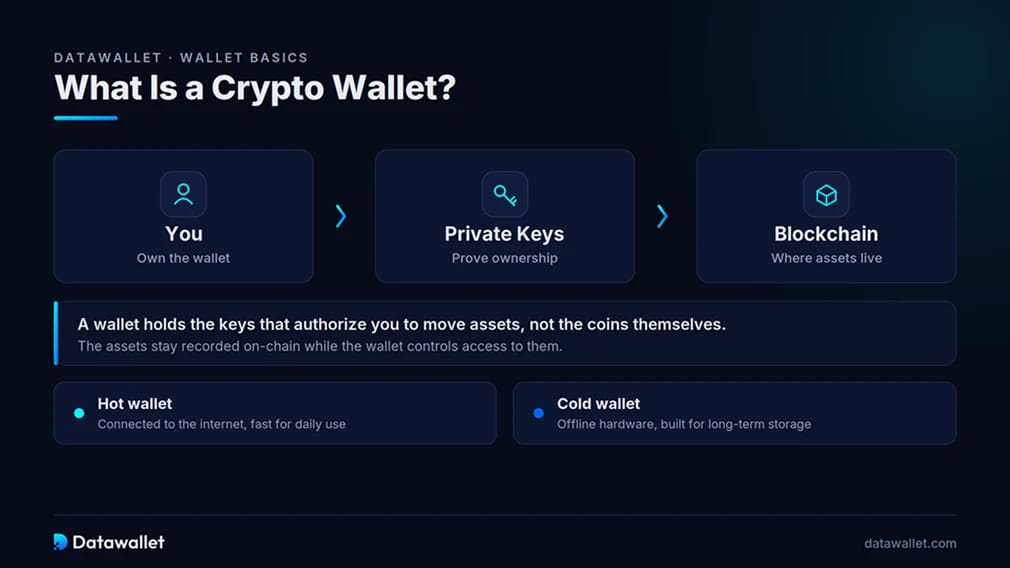
A crypto wallet stores the private keys controlling your assets on a blockchain. Despite the name, it does not hold coins the way a physical wallet holds cash. The assets live on-chain, and the wallet holds the keys that authorize you to move them.
Wallets fall into two broad groups. Hot wallets like Phantom, MetaMask, and Trust Wallet stay connected to the internet, which makes them fast for swapping, staking, and connecting to apps. Cold wallets like Ledger and Trezor keep keys on an offline device, trading speed for stronger protection against remote attacks.
The distinction that matters most is custody. A self-custody wallet gives you sole control of the keys, which means full ownership but also full responsibility for backups and recovery. Beginners comparing options can review our wider crypto wallet statistics for context on how the market is shifting.
Hot Wallets vs Cold Wallets
Both wallet types secure the same keys, but they solve different problems, and most experienced holders run one of each rather than choosing a single winner.
Here is how the two approaches compare across the factors that affect daily use:
- Connectivity: Hot wallets stay online for instant access to dApps, swaps, and staking, while cold wallets keep keys offline and require a physical device to sign.
- Speed: Hot wallets confirm actions in seconds, whereas hardware devices require a deliberate confirmation step, slowing rapid trading in volatile markets.
- Attack surface: Hot wallets face phishing, malicious approvals, and device malware, while cold wallets remove most remote threats by keeping keys off connected hardware.
- Cost: Hot wallets are free to install, while hardware devices require a one-time purchase to enable offline key isolation.
- Best use: Hot wallets suit active trading and small working balances, while cold wallets suit long-term holdings you rarely move.
- Pairing: The strongest setup connects a hardware wallet to a software front end like MetaMask or Rabby, combining a familiar interface with offline signing.
Crypto Wallet Security and Risks
Wallet safety depends on both the software and the person using it. The strongest hardware means little if a recovery phrase leaks or a malicious approval slips through, so understanding the risks is part of setup.
Review these risks before funding, signing, or connecting any wallet:
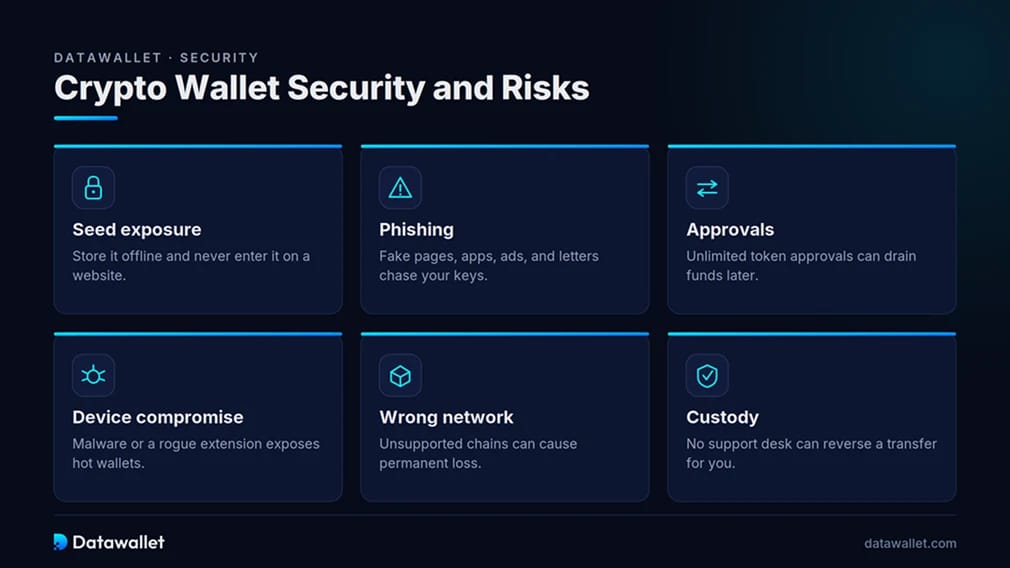
- Seed exposure: The recovery phrase restores the entire wallet, so store it offline, never enter it on a website, and treat any request for it as a scam.
- Phishing: Cloned wallet pages, fake apps, malicious ads, and fraudulent letters try to trick users into revealing keys or approving drainer transactions.
- Approvals: Broad or unlimited token approvals can let a contract move funds later, so review each request and revoke permissions you no longer need.
- Device compromise: Malware, a compromised browser, or a rogue extension can expose a hot wallet even when the blockchain account itself is fine.
- Wrong-network transfers: Sending assets on an unsupported chain or to an incompatible address can cause permanent loss, which is why test transactions matter.
- Custody responsibility: Self-custody means no support desk can reverse a transfer, unfreeze funds, or recover a wallet, so backups are the only safety net.
How to Choose the Right Crypto Wallet
The best wallet depends on how you use crypto, not on a single ranking. Match the tool to your primary activity and risk level, and pair a hot wallet with cold storage once your balance grows.
Phantom is well-suited for active multichain users for its coverage and interface, while EVM and DeFi users lean toward MetaMask or, for safer signing, Rabby. Mobile-first holders managing many chains often prefer Trust Wallet.
For long-term storage of larger balances, a Ledger or Trezor device is straightforward insurance, and ecosystem-specific needs are covered in our best Hyperliquid wallets and best Cosmos wallets shortlists.
Final Thoughts
The wallet market in 2026 rewards holders who split roles rather than force one app to do everything. Phantom leads on everyday multichain use, MetaMask and Rabby cover EVM and DeFi depth, and Trust Wallet handles broad mobile access.
For balances that matter, a Ledger or Trezor device paired with a software front end gives the cleanest mix of usability and offline protection. The right choice depends on your chains, balance size, and signing frequency, so test connections and keep backups before moving real funds.
Our Methodology
We assessed each wallet by repeating what a real user does, installing the app or device, creating and restoring a wallet, funding it, connecting to live dApps, reviewing signatures, and testing swaps and staking where available.
Six criteria shaped the final ranking:
- Security model: We compared key storage, open-source posture, hardware options, scam detection, and how clearly each wallet presents signing risk.
- Chain coverage: We reviewed native network support and how easily assets move across ecosystems without third-party tools.
- Custody control: We confirmed the self-custody design, recovery options, and how each wallet handles backups and device loss.
- User experience: We tested interface clarity, onboarding, and transaction prompts across desktop and mobile.
- Fees: We checked swap service fees, gas handling, and any staking or buy-and-sell costs against the wider market.
- Advanced utility: We gave weight to features like transaction simulation, hardware pairing, approval management, and in-wallet trading.
Wallet features and chain support change quickly, so ratings reflect documented capabilities and hands-on testing current as of mid-2026.