Can I Add NEAR to MetaMask?
Not as a standard network. MetaMask has expanded beyond Ethereum, adding native support for Solana, Bitcoin, and Tron, but NEAR is not on that list.
MetaMask's custom network form is built for EVM chains that share Ethereum's account and signing model, which is why you can add BNB Chain or Base by entering an RPC URL. NEAR runs Nightshade sharding with named accounts and its own keys, so no RPC details turn native NEAR into a MetaMask network.
Inside MetaMask, one method works: the NEAR Snap, which signs real NEAR transactions rather than a wrapped token. For anything past light use, a dedicated NEAR wallet is the stronger setup.
How to Add NEAR to MetaMask with the NEAR Snap
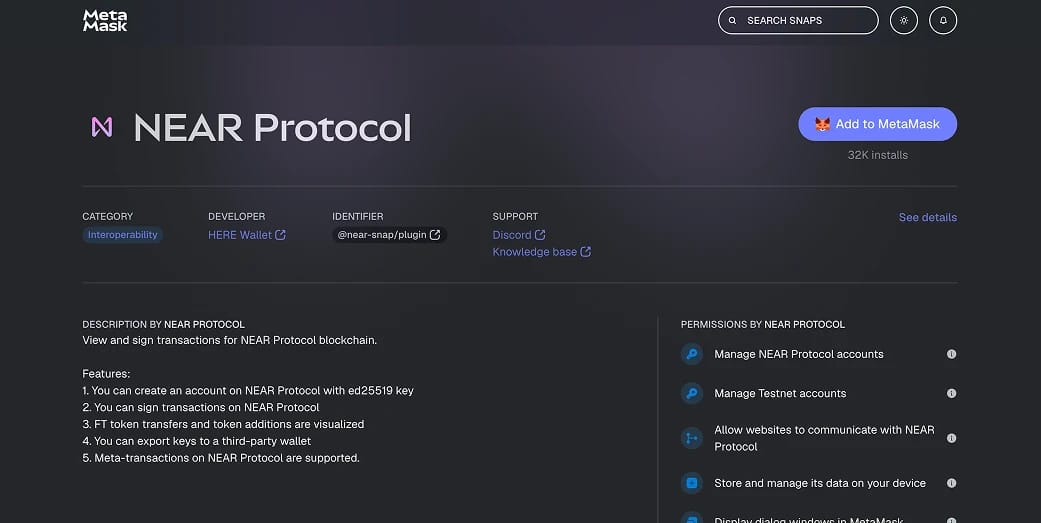
Snaps are opt-in extensions that let MetaMask connect to networks it does not support out of the box. The NEAR Snap, built by the HERE Wallet team, lets MetaMask create a NEAR account, sign transactions, and connect to NEAR dapps.
It is the only method that gives you a true NEAR account inside MetaMask, not a wrapped token. To set it up:
- Update MetaMask: Confirm you are on the latest version, since older builds handle Snaps inconsistently and may block the install.
- Open the Snap page: Visit the NEAR Snap listing on the official MetaMask Snaps directory and check the URL before continuing.
- Install the Snap: Click Add to MetaMask, then review and approve the connection, installation, and permission prompts.
- Create your NEAR account: Connect through a Snap-enabled interface to generate the account, then back up your recovery details offline.
- Use NEAR dapps: Connect to dapps that support the Snap and review every signing request before approving.
One caveat: the Snap is third-party software, its interface is basic next to a dedicated wallet, and the team behind it now focuses on its standalone HOT Wallet. Use it for light NEAR activity, and keep larger balances in a native wallet or on hardware.
Is the NEAR Snap Safe?
Snaps run in an isolated environment and can only do what you approve at install time, so a Snap cannot move funds or read data outside the permissions you grant. The NEAR Snap only derives accounts and signs transactions you confirm, and the plugin has no independent network access.
Snaps are still third-party software. The NEAR Snap was built by the HERE Wallet team, not MetaMask, and MetaMask notes that it does not build or vouch for most Snaps. Install only from the official directory, check the listing URL, and read each permission prompt.
Two habits cut most of the risk: confirm the Snap is still maintained before relying on it, since the team now centres its work on HOT Wallet, and keep meaningful balances on hardware rather than a hot Snap account.
Best Native NEAR Wallets
For staking, NEAR dapps, or cross-chain swaps through NEAR Intents, a dedicated wallet handles everything the Snap cannot. Strong options:
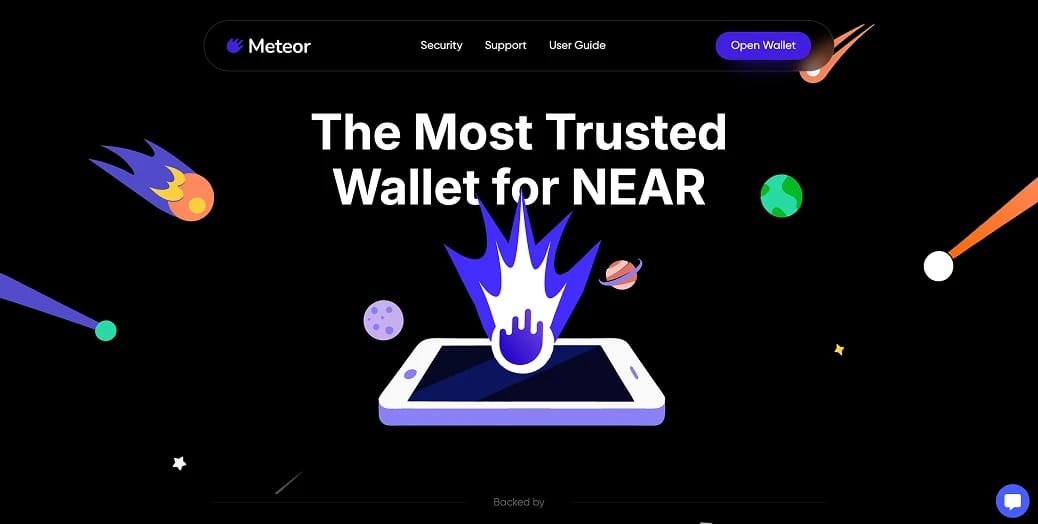
- Meteor: A non-custodial extension and mobile wallet with native staking, NFT support, NEAR Intents swaps, and Ledger pairing. A solid default for daily NEAR use.
- HOT Wallet: A multichain wallet from the HERE Wallet team, secured with MPC, covering NEAR staking, swaps, and dapp connections alongside other ecosystems.
- MyNearWallet: A browser wallet with a full validator list for staking, NFT management, and Ledger support for hardware security in a web interface.
- Ledger: A hardware wallet that keeps signing offline and connects to NEAR through MyNearWallet or Meteor, suited to larger balances.
What is NEAR Protocol?
NEAR is a Layer 1 blockchain that uses Nightshade sharding and human-readable named accounts to keep transactions fast, cheap, and approachable. A 2026 upgrade adds dynamic resharding, splitting shards automatically as demand rises.
Its 2026 positioning rests on two ideas: AI-native infrastructure for user-owned agents, and chain abstraction that lets one account operate across many networks. The second is why adding NEAR to MetaMask is no longer a simple yes or no.
NEAR Intents and Chain Signatures
NEAR's chain abstraction work is why this topic keeps shifting. Through chain signatures, one NEAR account can derive and control addresses on Bitcoin, Ethereum, EVM chains, and Solana, signing transactions through a multi-party computation network instead of a bridge.
On top sits NEAR Intents, a cross-chain swap system where you state an outcome and competing solvers fill it. It passed roughly $19 billion in cumulative volume by mid-2026, trading assets across chains without the bridges such swaps usually need. The interface now lives at near.com, as the older near-intents.org site retires in mid-2026.
For a MetaMask user, this flips the goal. Rather than forcing native NEAR into an Ethereum wallet, you keep assets on their home chains and let a NEAR account coordinate across them. The Snap still matters for NEAR signing inside MetaMask, but NEAR increasingly treats the wallet you start from as a detail, not the destination.
Final Thoughts
Adding NEAR to MetaMask is possible, but the method matters. The NEAR Snap is the only way to hold and sign native NEAR inside MetaMask, and it is fine for occasional access from an existing install.
For staking, NEAR dapps, and chain-abstracted swaps, a dedicated wallet like Meteor or HOT Wallet gives you the full feature set, and pairing it with a Ledger is safer once balances grow.
Match the setup to how you use NEAR. If MetaMask is already your daily wallet, the Snap is a reasonable add-on; if NEAR is core to your portfolio, start with a native wallet.