



Can I Add Celestia to MetaMask?
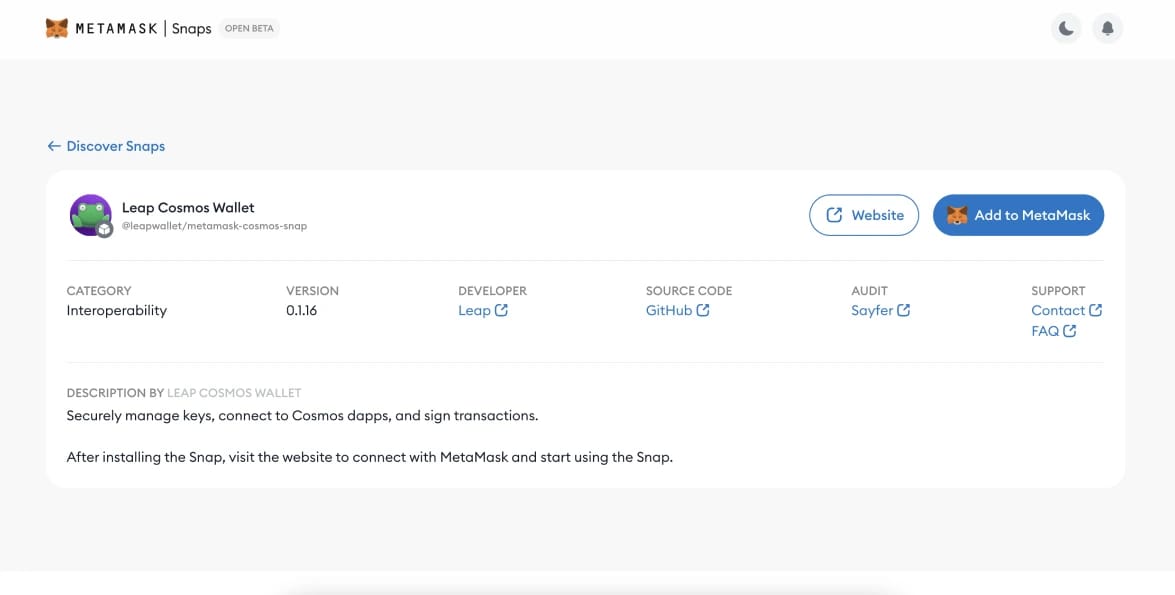
Yes, you can add Celestia to MetaMask using MetaMask Snaps. This feature allows MetaMask wallets to interact with non-EVM chains, including those built on the Cosmos SDK, like Celestia. To connect, install the Cosmos Wallet Snap from the Leap Wallet team, available in the MetaMask Snaps store.
How to Add Celestia to MetaMask
Adding Celestia to your MetaMask wallet is straightforward with MetaMask Snaps, which allows support for non-EVM chains like Celestia without needing manual configurations. This setup enables you to interact with Celestia's modular blockchain and stake TIA directly from MetaMask.
Here's how to do it:
- Navigate to MetaMask Snaps: Open MetaMask and go to the Leap Cosmos Wallet Snap page.
- Add Celestia: Click the 'Add to MetaMask' button on the Snap page.
- Start the Integration: Confirm by selecting 'Add to MetaMask' again.
- Finalize Installation: Follow the prompts in MetaMask to complete the setup.
Why Use a Snap for Celestia?
The Leap Cosmos Snap for MetaMask simplifies access to the Celestia ecosystem and other Cosmos SDK-based networks. With this integration, you can manage TIA tokens and interact with Celestia's decentralized applications directly within MetaMask.
A major benefit of this Snap is its native support for staking TIA tokens. You can securely stake and earn rewards, all from within MetaMask. The Snap is backed by recognized names like Arrington Capital and Pantera, adding an extra layer of trust.
While convenient, using Snaps requires understanding potential security implications and managing the added complexity in your wallet.
.webp)
Alternative Celestia Wallet
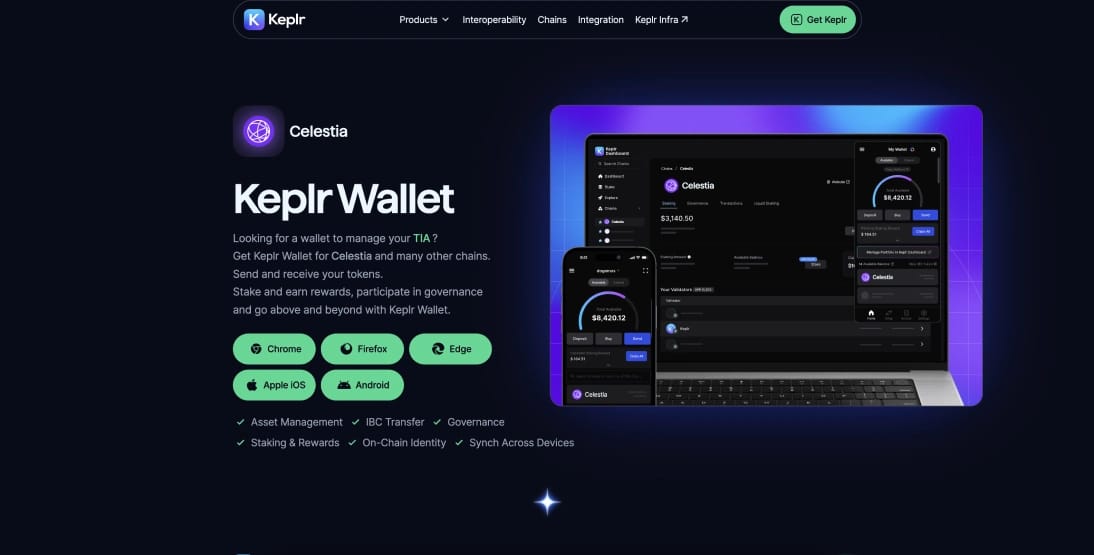
For Celestia users, Keplr stands out as the most popular and arguably the most secure Cosmos-native wallet. Designed specifically for the Cosmos ecosystem, Keplr offers robust features like staking, governance, and IBC transfers directly from its browser extension or mobile app. With over a million users, Keplr provides a trusted, seamless experience for managing TIA and other Cosmos-based assets, making it an excellent alternative for Celestia integration.
About Celestia
Celestia is a modular data availability network that enables scalable blockchain deployment by separating data availability from execution. Using data availability sampling (DAS), it allows light nodes to efficiently verify large data sets, supporting high-throughput rollups and Layer 2 solutions. Developers can quickly launch customizable blockchains without their own validator set, benefiting from Celestia's scalability and flexibility.
Bottom Line
In conclusion, integrating Celestia with MetaMask through the Leap Cosmos Snap provides a seamless way to interact with Celestia's modular blockchain and manage TIA tokens directly within your wallet. This setup, along with alternatives like the Keplr wallet, offers flexibility and security for users engaging with the Cosmos ecosystem.
%252520(1).webp)


%20(1)%20(1).webp)