

Can I Buy Bitcoin with Bank of China?
Yes, you can buy Bitcoin using Bank of China funds, but you cannot buy crypto inside BOC Mobile Banking or BOC Internet Banking. In our checks, there is no native “Buy Bitcoin” screen, it is banking and payments only.
The reliable route is to treat Bank of China as the funding rail. Send fiat to a regulated exchange in your country (e.g. Hong Kong or Australia) that supports bank deposits, then buy BTC after the deposit clears.
In the app, add the exchange as a beneficiary, pass the security check, then run a small test transfer first. Use the right rail for your exchange deposit instructions, usually Domestic Transfer for local payments or International Transfer (TT) for cross-border wires.
How to Buy Crypto with Bank of China
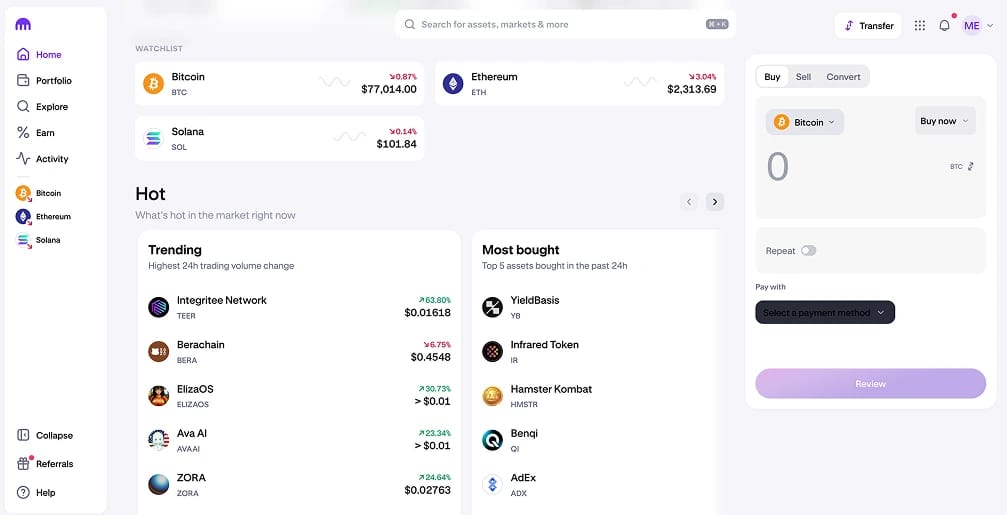
The best way to buy crypto with Bank of China is to use your BOC account to fund Kraken, then place the trade on Kraken. You are not buying crypto inside BOC Mobile Banking or BOC Internet Banking, you are sending fiat out and buying on the exchange.
We recommend Kraken because it supports a Chinese language interface and is available in 190+ countries, which fits Bank of China customers who bank across Hong Kong, Australia, and Southeast Asia.
- Create a Kraken account and finish verification: Do this first so deposits and withdrawals are enabled.
- Get Kraken’s bank deposit details: In Funding, pick your currency, choose Bank Transfer, then copy the beneficiary details and reference exactly. If it is SWIFT, copy the SWIFT/BIC and bank address fields too.
- Add Kraken as a beneficiary in Bank of China: In BOC Mobile Banking or BOC Internet Banking, add a new payee. Use Domestic Transfer for local payments, or International Remittance / Telegraphic Transfer (TT) if you are wiring by SWIFT.
- Send a small test transfer: Keep the payment reference identical to Kraken’s instructions.
- Buy crypto on Kraken once the deposit lands: When the balance credits, place your spot order and confirm the fee before you buy.
Bank of China Fees and Deposit Limits
Before we send money from Bank of China to buy crypto, we check four cost drivers: transfer fees, FX spread, exchange withdrawal fees, and trading fees. This is where people overpay.
- Bank transfer fees (Domestic vs SWIFT/TT): If Kraken supports a local bank transfer in your country, it is usually cheaper than an international wire. If we use International Remittance / Telegraphic Transfer (TT) by SWIFT, we factor in a Bank of China wire fee plus possible intermediary bank fees.
- FX costs (often the biggest hidden fee): If your balance is CNY, HKD, or AUD but the deposit is USD or EUR, FX can cost more than the transfer. We check the rate shown in the Bank of China transfer flow against the mid market rate before sending size.
- Card deposits (fast, higher failure rate): BOC card buys can be quick, but crypto merchants trigger more declines and the total cost is often higher. If a card purchase fails once, we stop and switch to a bank transfer.
- Limits and caps: Bank of China limits depend on region, account type, and channel (mobile, online, branch). We check the cap inside the transfer screen before planning a large deposit. If we hit it, we split deposits across days or request a temporary increase.
- Trading fees: On Kraken Buy/Sell/Convert, you pay a fixed 1% trading fee, and the quoted price includes a spread, so your all in cost can be more than 1%. On Kraken Pro, fees are maker/taker. Market orders are always taker. At the lowest tier shown in Kraken’s own example, standard pairs can be 0.25% maker and 0.40% taker.
Bank of China Cryptocurrency Policy
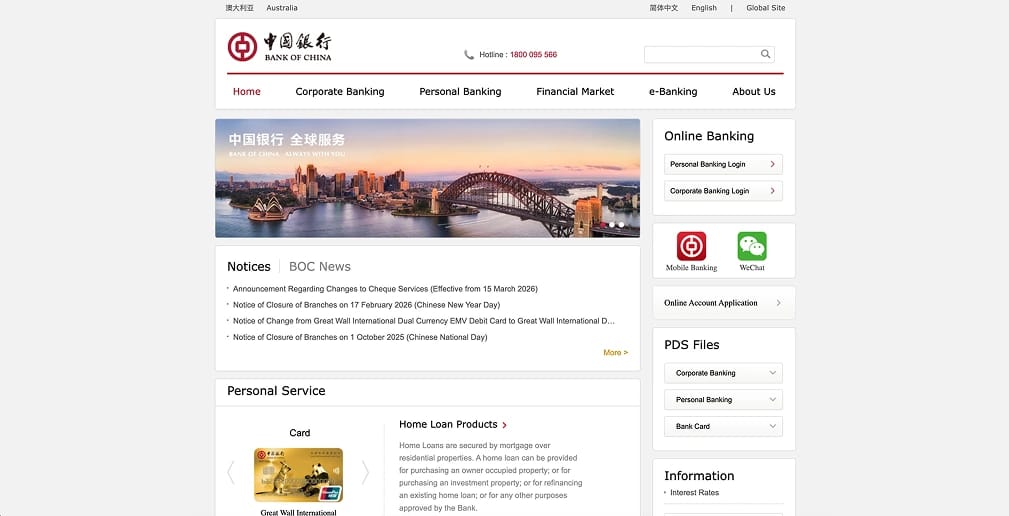
We checked Bank of China’s public retail banking docs for Australia and Hong Kong. There is no “buy Bitcoin” or in app crypto custody feature in their banking apps. Your experience depends on which local Bank of China entity you bank with. For example:
Bank of China (Australia)
In its updated account terms, Bank of China (Australia) says it may refuse to process payments from your account to a crypto currency or digital asset exchange. That is the clearest statement you will feel in practice: your transfer can be declined based on the destination.
Bank of China (Hong Kong)
Funding is mostly about rails. FPS transfers are local only and do not support transfers to accounts outside Hong Kong. BOC HK also notes USD and EUR transfers made through “Transfer/FPS” are routed through CHATS. For exchange selection, we stick to platforms on the SFC’s licensed VATP list.
Best Alternative Exchanges for Bank of China
We default to Kraken for Bank of China funded buys because it provides complete bank transfer details (beneficiary, reference, SWIFT fields when needed) and transparent fees.
If you want alternatives, we only list exchanges that support local bank transfers or SWIFT/TT deposits and are licensed in the markets they serve. The table below is the short list.
About Bank of China
Bank of China (BOC) is a Chinese state owned commercial bank founded in 1912, with a global network that the group says covers 64 countries and regions outside mainland China. Its core products span everyday banking (deposit accounts and personal loans), bank cards, mobile and internet banking, international remittances and FX, plus corporate banking and trade finance.
In its latest annual report, BOC says the number of domestic personal customers reached about 540 million.
Final Thoughts
You cannot buy Bitcoin inside BOC Mobile Banking or BOC Internet Banking, so use your Bank of China account to fund Kraken and buy there.
Complete verification first, copy the beneficiary and reference exactly, then send a small test transfer before moving size.
Keep your name consistent, use local transfer where possible or SWIFT/TT when required, and watch FX spread and wire fees as the main costs.