.png)
Can I Add TRC20 USDT to MetaMask?
Yes. MetaMask added native Tron support on 15 January 2026, so you can hold and send TRC20 USDT inside the wallet without a bridge or custom network. Update the extension or mobile app and a Tron address generates automatically in your multichain account, beside your Ethereum, Solana, and Bitcoin ones.
For years this was impossible. Tron uses the Tron Virtual Machine and its own account and resource model, so MetaMask, built for Ethereum and EVM-compatible chains, could not read a Tron address. The 2026 integration handles that, so older guides relying on a third-party RPC or wrapped token no longer apply.
MetaMask covers receiving, holding, and sending USDT on Tron. It does not expose every native feature yet, and staking TRX for Bandwidth and Energy is mobile-only for now. For deeper network use, a dedicated Tron or TRC20 wallet is more complete, and our Add Tron to MetaMask guide covers the wider setup.
How to Add TRC20 USDT to MetaMask
Setup takes a couple of minutes because the Tron account is created during the update. The key step is confirming you are on the Tron network before receiving funds, since a network mismatch is the usual reason a balance looks missing.
- Update MetaMask: Install the latest MetaMask extension or mobile app. It adds a Tron address to your multichain account automatically, with no manual network entry.
- Open your Tron account: Switch to your Tron address in the account selector, and confirm it starts with a T before sharing it.
- Send USDT on Tron: Withdraw USDT from your exchange or wallet and select the Tron (TRC20) network. Paste your MetaMask Tron address and check the network matches on both sides.
- Confirm the balance: After the transfer confirms, USDT TRC20 shows in your asset list. If it is missing, make sure the Tron account is selected, not Ethereum.
If you send USDT often, keep a little TRX in the account. Tron charges transfers in Bandwidth and Energy, and TRX covers any shortfall, preventing failed transactions.
.webp)
Best Wallet for TRC20 USDT (MetaMask Alternative)
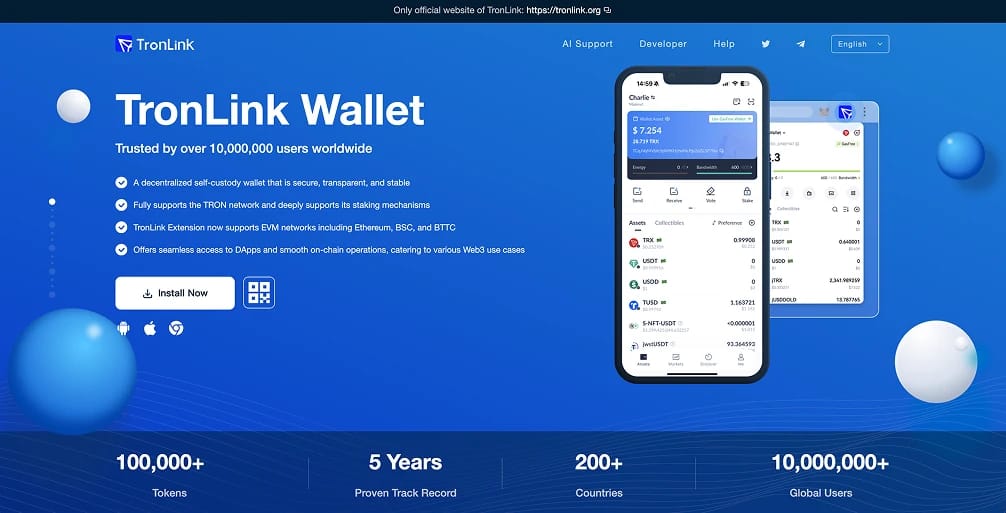
MetaMask handles TRC20 USDT well, but TronLink stays the most complete option when Tron is your main network. Built and recommended by the Tron Foundation, it supports TRX, TRC-10, TRC-20, and TRC-721, manages staking and resources, and connects straight to Tron dApps.
It also links to Ethereum, BNB Chain, and BTTC, so one recovery phrase covers Tron and major EVM networks.
How to set up TronLink for TRC20 USDT:
- Install: Download TronLink from the official site, Chrome Web Store, App Store, or Google Play, and verify the domain first.
- Create or import a wallet: Set a strong password and back up your recovery phrase offline. Never store it in a screenshot, email, or cloud note.
- Receive USDT TRC20: Send USDT on Tron from an exchange or wallet to your TronLink address. It appears under Assets once confirmed.
- Start using Tron: Stake TRX for Bandwidth and Energy, manage resources, and connect to dApps to put your USDT to work.
TronLink vs MetaMask for TRC20 USDT
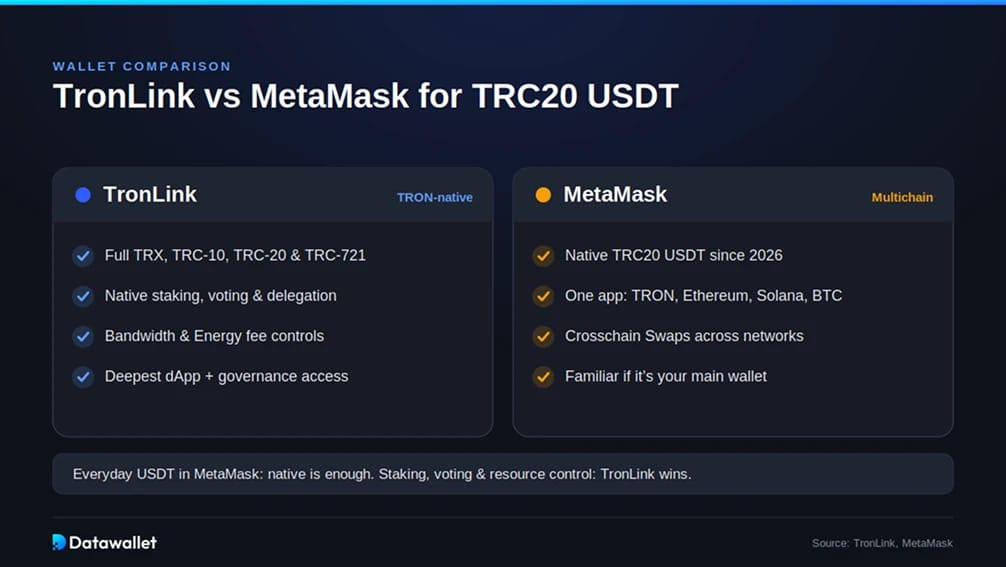
Both wallets now hold and send TRC20 USDT, so the choice depends on how deeply you use Tron.
What TronLink provides
- Full support for TRX, TRC-10, TRC-20, and TRC-721
- Native staking, voting, and resource delegation
- Detailed Bandwidth and Energy management for fee control
- The most direct link to Tron dApps and governance
What MetaMask provides
- Native TRC20 USDT holding, sending, and receiving since 2026
- One interface for Tron, Ethereum, Solana, Bitcoin, and more
- Crosschain Swaps to move TRC-20 tokens between Tron and EVM networks
- A familiar setup if MetaMask is already your main wallet
If you mostly receive and spend USDT inside MetaMask, the native integration is enough. If you stake, vote, or manage Tron resources, TronLink gives the fuller toolkit.
Alternative Wallets for TRC20 USDT
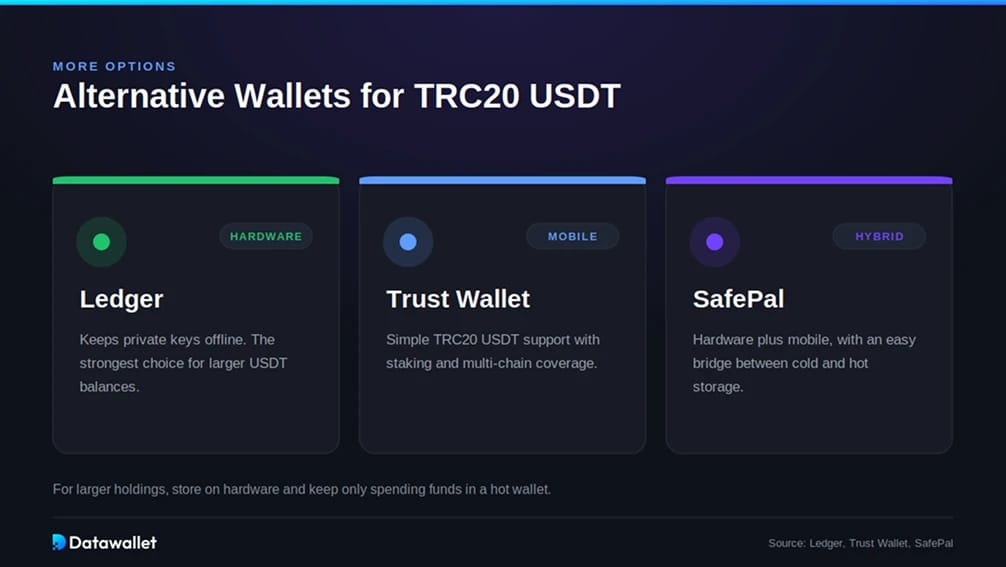
Beyond MetaMask and TronLink, these wallets manage USDT on Tron securely:
- Ledger: A hardware wallet that keeps private keys offline, the strongest choice for larger USDT balances, with Tron support via its companion app.
- Trust Wallet: A popular mobile wallet with simple TRC20 USDT support, staking, and multi-chain coverage.
- SafePal: A hardware and mobile wallet with native Tron support and an easy bridge between cold and hot storage.
What is TRC20 USDT?
TRC20 USDT is Tether issued on Tron under the TRC-20 standard, the Tron equivalent of Ethereum's ERC-20. It runs on the Tron Virtual Machine, settles in seconds, and pays fees in Bandwidth and Energy instead of volatile gas fees.
That speed and low cost made Tron the default rail for stablecoins. USDT supply on Tron exceeds $88 billion, with the network logging over 380 million accounts and 13 billion transactions since launch. Tron now carries close to half of all USDT in circulation, driving payments, remittances, and exchange transfers across emerging markets.
Risks of Storing TRC20 USDT
Holding TRC20 USDT carries risks beyond basic wallet security, and several grew sharper in 2026:
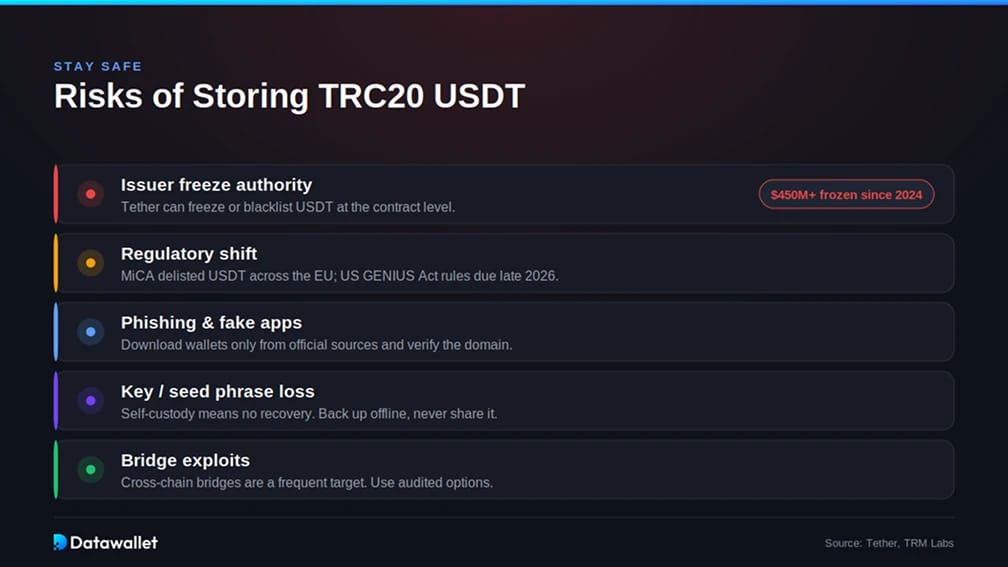
- Issuer freeze authority: USDT is centralized, so Tether can freeze, blacklist, or reissue tokens at the contract level. The T3 Financial Crime Unit (Tether, Tron, and TRM Labs) has frozen over $450 million in USDT since 2024, including $344 million tied to sanctioned wallets in April 2026. Legitimate holders are not targets, but the power exists.
- Regulatory shift: Rules are tightening. Europe's MiCA framework pushed major EU exchanges to delist USDT, and the U.S. GENIUS Act is in rulemaking, with compliance expected in late 2026.
- Phishing and fake apps: Counterfeit sites and apps steal the most funds. Download wallets only from official sources and verify the domain.
- Key and seed phrase loss: Self-custody means no recovery if you lose your phrase. Back it up offline and never type it into a website.
- Bridge exploits: Moving USDT across networks uses third-party bridges, a frequent hack target. Use audited options and verify contract addresses.
For larger balances, a hardware wallet like Ledger keeps keys offline and limits phishing and malware exposure. Keep only what you actively use in a hot wallet.
Final Thoughts
MetaMask now handles TRC20 USDT natively, a practical home if it is already your main wallet and you want Tron assets in one place. For heavier Tron activity like staking, voting, or resource management, TronLink offers the deeper toolkit.
Whichever you pick, fundamentals beat brand: confirm the Tron network before every transfer, keep a little TRX for fees, and move large balances to hardware storage.